Label the box
Give boxes a room, a useful label and a code you can look up.
Label, scan and follow the latest status of your boxes from packing to unpacking. Less guesswork about what was last recorded.
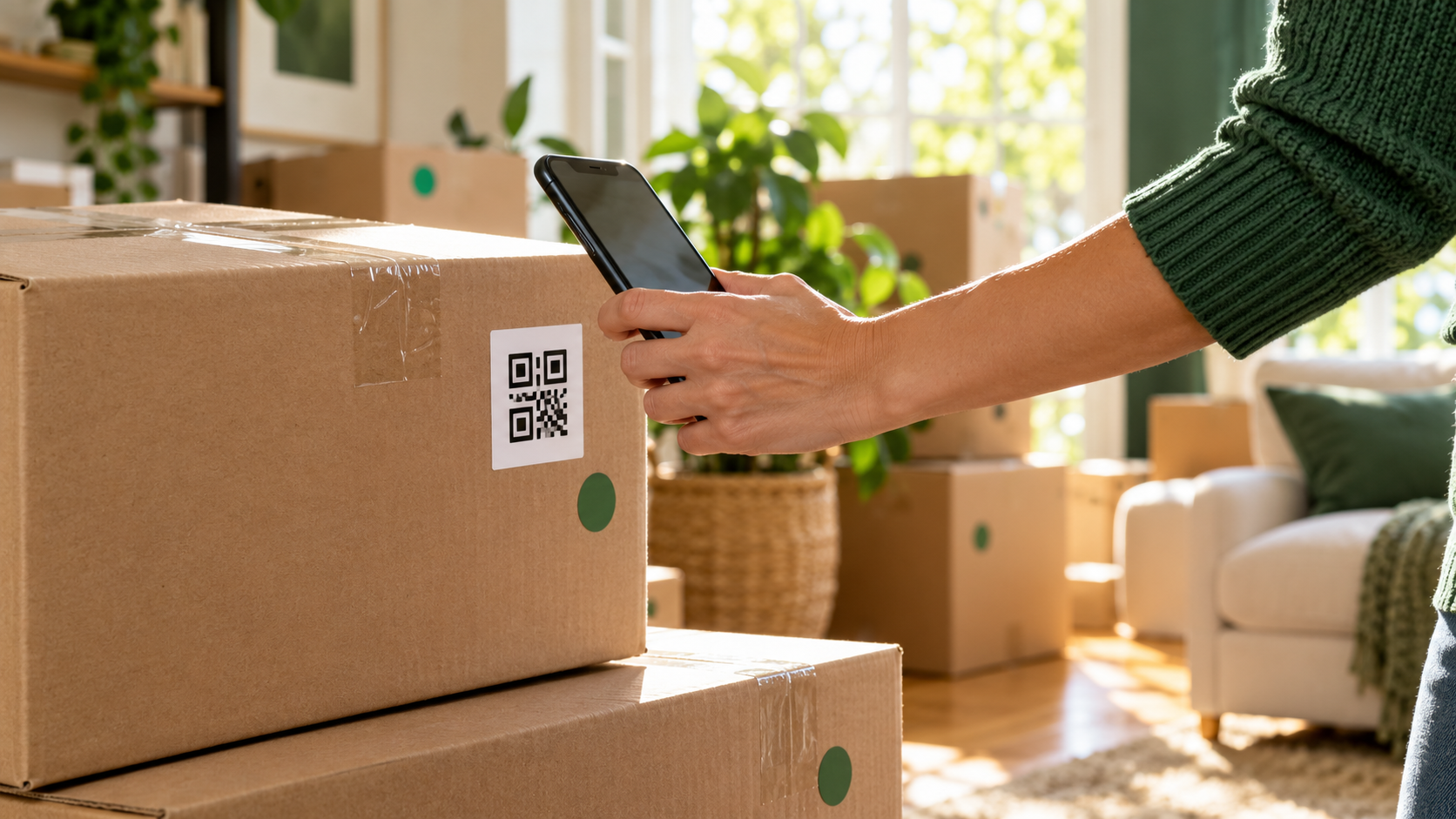
Use account-based scanning to record box updates. The tracker map shows the latest recorded locations; it is not continuous GPS tracking.
Give boxes a room, a useful label and a code you can look up.
Scan or enter a box code as it is packed, loaded, delivered or unpacked.
Check the recorded status, location and scan history in your account.
Try changing the example box statuses. These are illustrative boxes, not live account records.
Choose a status to explore the example.
Move Tracking uses the existing HomeConnectionAI owner account, scanning tools and tracker map.
Premium includes Move Tracker tools and priority support.